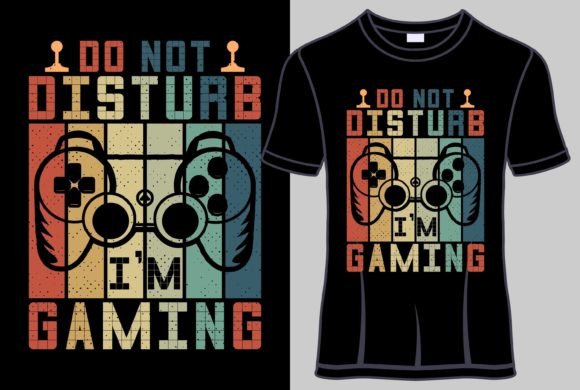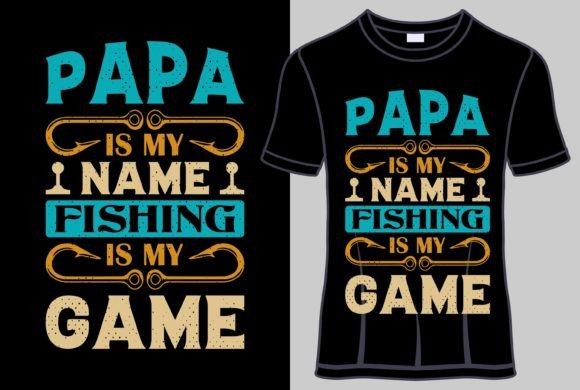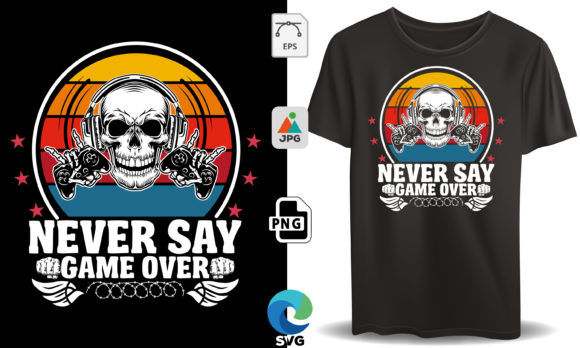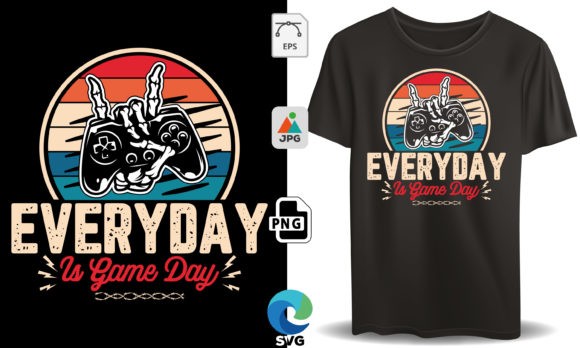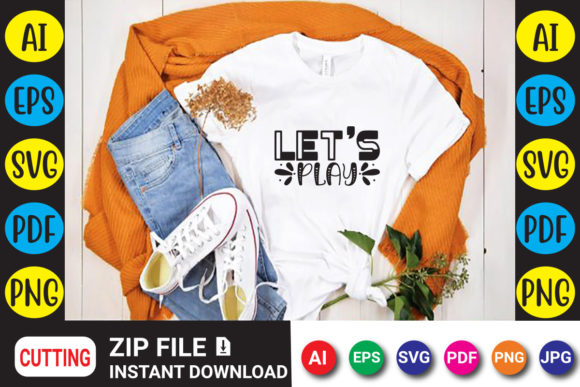
Let’s Play Gaming T-Shirt Design
This digital download centers on a bold, playful design crafted around the familiar phrase “Let’s Play.” It speaks directly to gamers, streamers, and anyone who loves the energy of cooperative or competitive play. What you are actually getting is a set of professional-grade vector and raster files ready to be turned into apparel, stickers, mugs, posters, or any physical item you can customize. After purchase, an instant download link gives you immediate access to the artwork in five widely compatible formats: AI, SVG, PNG, EPS, and PDF. No physical product ships, which means you control the entire creation process from start to finish.
The design itself is more than a simple slogan. It is arranged with graphic elements that echo gaming culture — controller silhouettes, pixel-inspired accents, or dynamic typography that feels right at home on a twitch stream or at a casual game night. Because the files are layered and scalable, you are not stuck with a single look. You can resize, recolor, or separate elements depending on your software and project. This flexibility is a big reason why the same download appeals to someone ironing a vinyl decal onto a hoodie for a friend and a print shop owner fulfilling a bulk order for a local esports team.
What Arrives After the Instant Download
Once your payment processes, the platform immediately shares a link to your digital items. Inside, you will find five file types that bridge the gap between different machines and skill levels. The AI (Adobe Illustrator) and EPS files preserve the original vector structure, meaning you can edit every path, change colors, and enlarge the design without any pixelation. The SVG file is ideal for cutting machines like Cricut and Silhouette or for web-based design tools. If you prefer a high-resolution raster format that just works without extra steps, the transparent PNG lets you drop the image onto mockups, presentation slides, or even online store previews. A PDF rounds out the bundle and is handy for quick printing or sharing a proof with a client who does not have design software.
Because you receive all these formats at once, you don’t have to commit to a single workflow in advance. Beginners can start with the PNG and experiment with iron-on transfer paper. Someone comfortable with Adobe Illustrator can dive into the AI file and modify the layout to include a gamer tag. A Cricut user can import the SVG straight into Design Space, size it for a tote bag, and cut it within minutes. That layered usability is what turns a static design into a springboard for many different projects.
Why a Gamer-Centric Design Attracts So Many Different People
The phrase “Let’s Play” is more than a call to start a game. For a streamer building a brand, it is a memorable tagline that gives viewers something to rally around. For a parent crafting matching shirts for a family game night, it is a simple way to create a shared moment. For a small business owner selling at conventions, it is merchandise that instantly connects with a passionate audience. The same design can sit comfortably in all those worlds because it is recognizable without being overly niche. It references gaming without locking itself into a single title, genre, or platform, which is why it stays relevant whether your buyer plays retro arcade classics, modern PC shooters, or tabletop RPGs.
A marketer or blogger might see the design as a tool for audience engagement. A downloadable iron-on template included as part of a subscriber perk can increase newsletter sign-ups. An educator running a game development club might use the artwork to create unified team apparel that gives students a sense of identity. Even a freelancer who designs custom merchandise for clients can keep this file in their library as a ready-to-customize base that saves hours of layout time. The same visual idea shifts its value depending on who is holding the download link.
Priorities That Shape How the Design Gets Used
Different creators automatically weigh things like speed, flexibility, and commercial safety. For a first-time crafter working with a Cricut Joy, ease of use sits at the top of the list. The SVG file matters most because it can be imported cleanly, and the design’s solid shapes weed easily. They want to open a file, hit “cut,” and get a wearable result without troubleshooting broken nodes or stray lines. At the other end of the spectrum, a screen printer handling a large run of shirts cares about the AI or EPS file’s color separations. They need layers that can be isolated accurately so they can burn screens without manual cleanup. In that context, the professional-grade vector structure directly impacts production speed and ink cost.
Cost sensitivity also looks different across groups. A consumer buying the design for a one-time birthday shirt might compare the download price to the cost of a pre-printed tee. Usually, the math works out well, especially if they reuse the files for multiple projects. A business owner thinks in terms of margin. They calculate how many shirts, stickers, or digital prints they need to sell for the design to pay for itself, often treating the purchase as a low-cost asset with ongoing earning potential. A teacher operating a zero-budget club may value the fact that once they own the file, they can produce apparel year after year for new members without recurring fees.
Quality shows up in stitch counts for embroidery digitizers, in smooth contour cuts for sticker makers, and in how well the design holds up on a dark fabric when you apply heat transfer vinyl. Because the original artwork is built as a clean vector, you avoid the jagged edges that can plague low-resolution downloads. This is especially important for anyone who plans to enlarge the image significantly, such as when printing a wall decal or a wide-chest placement on a sweatshirt.
How Beginners and Experienced Users Approach the Same Bundle
A beginner often opens the PNG first. It is familiar, works in any photo viewer, and can be inserted into Word, Canva, or a basic print layout without extra steps. They might print the design onto transfer paper, iron it onto a tote bag, and feel a genuine sense of accomplishment. The jump from “I downloaded a file” to “I made something real” happens quickly, and that speed builds confidence. Once they get comfortable, the SVG and cutting machine pathway becomes more inviting. The same person might later realize they can ungroup elements in Design Space to make the controller graphic one color and the text another, which unlocks a more polished look.
Experienced users think in layers from the beginning. They open the AI file because it retains the full editability Adobe Illustrator offers. They can swap out the default font, adjust stroke weights, or combine this design with another vector asset in their collection. An Etsy seller who sells custom gaming shirts might build a mockup template around the design, adding customer-provided gamertags in a matching style. A content creator might isolate the controller icon and use it as a channel badge or an end-screen graphic. Because the design is not flattened prematurely, it becomes raw material rather than a finished, untouchable product.
Professionals in print shops often value reliability. They have been burned by files that open with missing fonts or messy clipping masks. The inclusion of both AI and EPS formats provides a backup. If one file behaves oddly, the other typically works. The transparent PNG serves as a reference to check that everything looks correct before going to press. This redundancy may not matter to a hobbyist making a single mug, but for someone producing 200 custom hats for a gaming tournament, that verification step prevents costly reprints.
Practical Ways Creators Put the Artwork to Action
Imagine a small business owner who runs a gaming café. They buy the download, ungroup the SVG in Silhouette Studio, and cut the design onto heat transfer vinyl in two colors. Over a weekend, they produce a batch of staff shirts that feature the café logo on the front and the “Let’s Play” graphic on the back. Customers ask where they can buy the shirts, so the owner adds a simple e-commerce listing using a mockup created from the PNG placed onto a blank shirt photo. The whole process from purchase to first sale takes less than a day.
A blogger writing about family gaming rituals uses the PNG to create a featured image for a blog post, then includes a step-by-step guide on how to use the files with an iron. They link to the download location, and the post generates affiliate traffic or simply enriches the content. The design itself becomes the visual thread that ties the tutorial together. It is specific enough to be helpful, but not so narrow that readers feel excluded.
An educator in a makerspace uses the design as part of a lesson on vector graphics. Students open the SVG in Inkscape, analyze the node structure, and then create their own variations. The “Let’s Play” layout serves as a template that teaches alignment, grouping, and color palettes. Because the download includes multiple formats, the instructor can also demonstrate how the same artwork behaves differently in a raster-based program like Photoshop, turning the design into a multi-layered teaching tool.
A freelancer hired to design merchandise for a charity gaming marathon uses the AI file as a time saver. They adapt the lettering to match the event’s theme, add sponsor logos in harmony with the existing layout, and deliver print-ready files to the shirt vendor ahead of deadline. The purchased design becomes the foundation of a custom project, not a replacement for professional skill.
Making Sure This Design Fits Your Specific Situation
Deciding whether this download matches your goals starts with thinking about your typical workflow. Are you mostly designing for a cutting machine like Cricut or Silhouette? If yes, the SVG and PNG files will get you most of the way there, and the included AI and EPS formats are nice to have if you ever expand your toolset. If you work primarily in Adobe Photoshop, the high-resolution PNG with transparency layers cleanly into any composition. If you sell physical goods, verify that the license terms you received permit commercial use; most bundle-style downloads do, but reading the fine print is always wise.
Consider the level of editing you need. If you plan to change colors, resize dramatically, or print via a professional service, you will want the vector formats because they preserve sharpness at any scale. If all you want is to slap a graphic on a personal shirt and you do not own advanced software, the PNG still gets the job done with minimal friction. The learning curve is not steep if you stick to the file types your tools can open.
Also reflect on how the design’s style aligns with your audience or personal taste. The “Let’s Play” theme is broadly inclusive: it works for families, hardcore gamers, retro enthusiasts, and content creators equally. If you are selling merchandise, the slogan has built-in recognition because it mirrors the language millions of viewers see on YouTube and Twitch daily. That familiarity can lead to faster buying decisions at a market stall or online store. For personal use, it lets you wear your love of gaming without being tied to a specific brand or franchise, which tends to age better over time.
Moving From Download to Finished Product
After you click the download link and grab your files, it can help to open each one briefly just to see what it contains. Some people discover the EPS file works better than the AI file for older software, or that the SVG imports more smoothly into Cricut Design Space when you ungroup elements after placing. Small discoveries like these are part of the process and they build your confidence with digital assets in general.
If you are stumped on what to make first, a cotton tote bag is forgiving and fast. Cotton receives vinyl well, and you do not have to worry about exact placement the same way you would on a fitted t-shirt. From there, you can graduate to hoodies, sweatshirts, and then to more challenging surfaces like ceramic mugs or wood signs. Because you own the files permanently, there is no pressure to use them all at once. They sit ready for the next birthday party, tournament, or casual creative urge.
Many people start with the intention of making one thing, realize how many options the bundle opens up, and then find themselves incorporating the design into multiple projects. That slow evolution from consumer to creator is part of the reason instant download digital designs continue to grow in popularity. They remove the wait, lower the cost barrier, and hand the creative reins over to the end user.
The Long-Term Value of a Versatile Digital Asset
Owning a well-structured set of vector and raster files is different from buying a printed shirt that fades. You can return to the folder months later, change the color scheme to match a new console release, and produce fresh merchandise without spending again. For a business owner, that makes the initial purchase a one-time inventory cost rather than a recurring expense. For a parent, it means being able to update the shirt size as a child grows without hunting for the same design again. For a streamer, it allows seasonal variations on the same theme — orange and black for Halloween streams, icy blue for winter charity events — all from the same base artwork.
That long-term flexibility adds a different kind of value than immediate gratification. It asks you to think ahead, but not in a complicated way. You simply keep the files backed up, and they become a reusable resource. Over time, you might learn new skills that let you push the design even further. What starts as a simple shirt transfer can grow into layered acrylic signs, embroidered patches, or sublimated tumblers as your equipment and expertise expand.
The gaming community itself is diverse, spanning age groups, interests, and locations. A single design cannot represent every niche within that world, but “Let’s Play” gets close by tapping into the universal ritual of starting a game. It is a rallying cry, an invitation, and a shared memory all at once. That emotional core, paired with high-quality digital files, is what transforms a simple download into something that ends up stitched, pressed, and worn in thousands of different ways by thousands of different people.